Single-Engine Aircraft Design
Design Report
Video Walkthrough
A walkthrough of the model and the flow simulation.
The Model
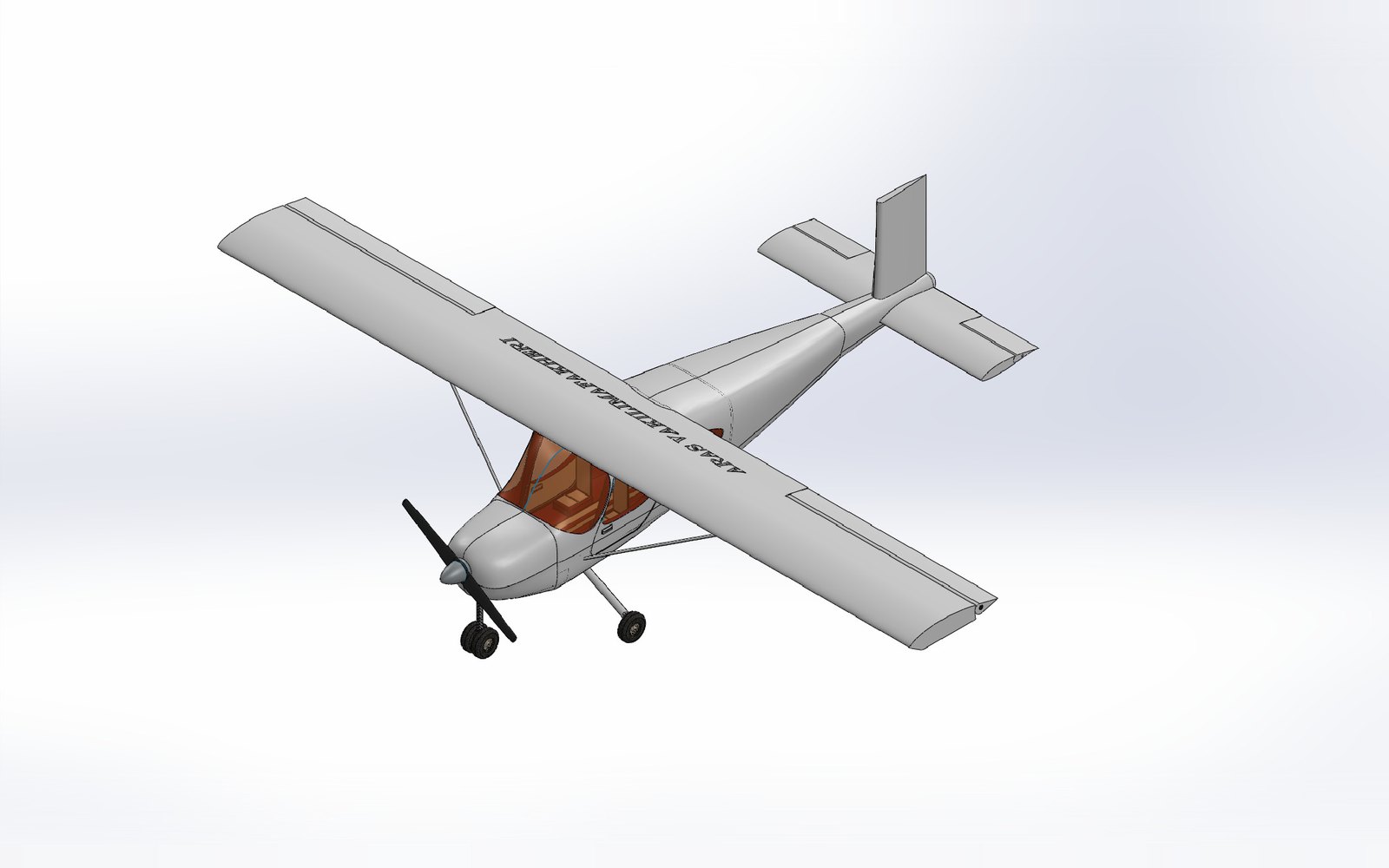
What I set out to do in this project was to model an Iranian Cessna that my dad owned in SolidWorks. And the closest American manufactured plane was the Cessna 162 Skycatcher, whose orthographic views and specifications made available by the plane's operating handbook I would use as reference for my model.
Following the class resources, I made extensive use of boundary surfaces, surface fills, and surface trims. The interplay between these surfaces and solid bodies in SolidWorks required some getting used to but introduced me to new tools such as the knit surface and thickening tools.
Flow Simulation
I attempted an aerodynamic study on the main wing of the aircraft using the SolidWorks Flow Simulation. I gave the scene initiation conditions including gravity, air, and a velocity of 136 miles per hour to mimic the top speed of the aircraft. The graphics both in the design report and the youtube video show the velocity contour of the wing and its projections as they hit the wing. Further, the calculated values for lift and drag are shown.